Back to homeAI assistants and orchestration
Give the work a team.
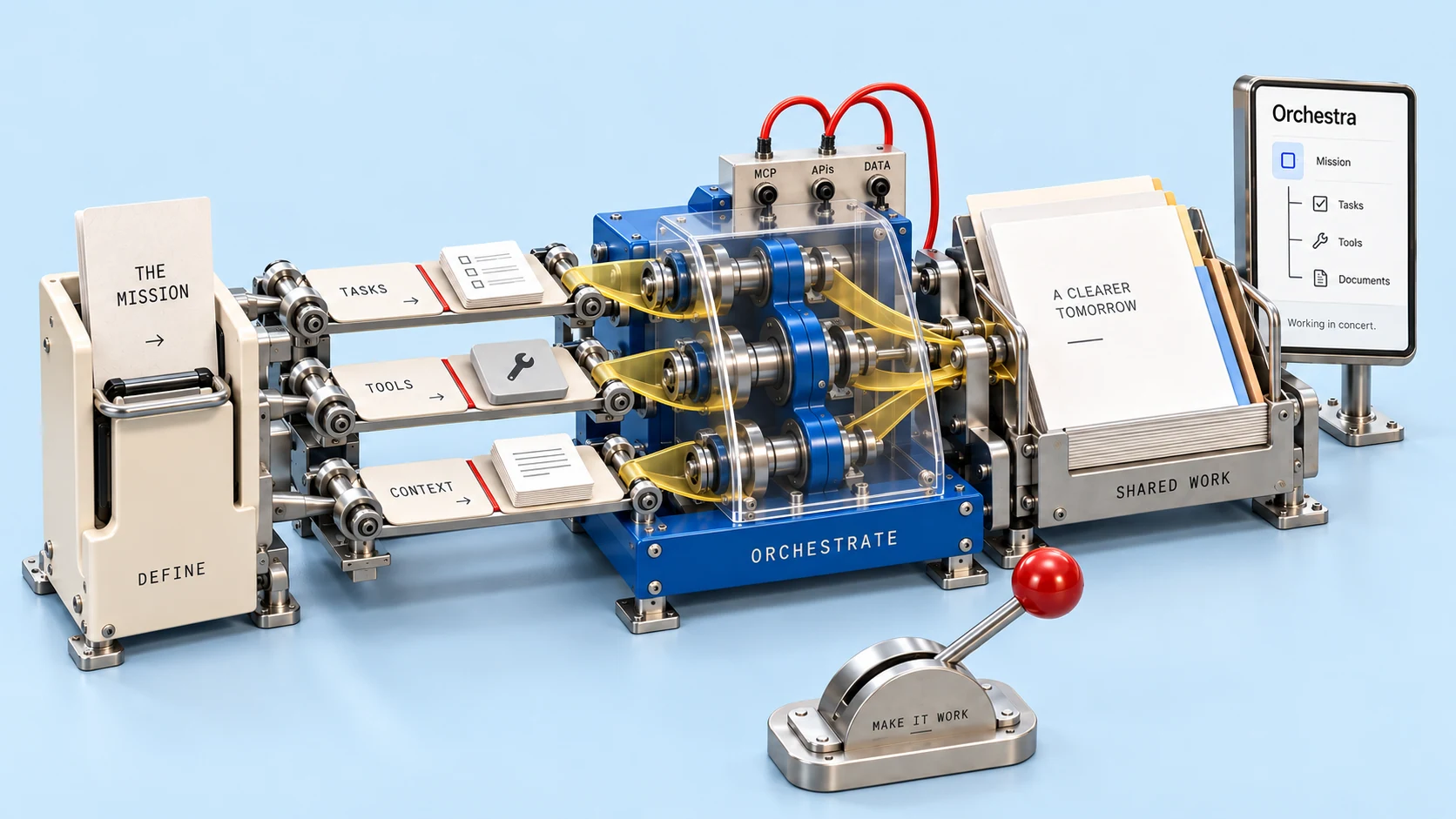
Use assistants for focused tasks and coordinated agents for workflows with multiple roles. Define the context, tool access and review points around a useful business outcome.
AI & care
AI assistants and orchestration

AI assistants
Help a customer or employee answer a question, find information or prepare a bounded piece of work.
- Support and sales grounded in permitted business knowledge.
- Content drafts, translations, reports and administrative preparation.
- Learning from approved materials, with escalation when a task needs a person.

Agent orchestration
Coordinate specialist roles, connected tools and ordinary automation through a reviewed business workflow.
- Research, draft, check and hand off work with scoped shared context.
- Prepare listings, quotations, client deliverables or support resolutions.
- Use review points, run history, usage limits and recoverable job states.
Example workflow
From a Telegram ticket to a reviewed fix.
ClientCheckout stopped working after the last update.
Kraft Care · GrokProposed fix ready for owner review.

Review the changesThe repository owner retains review, push and merge authority. Client tickets request work; they do not approve repository changes.
Illustrative interface
 Client ticket
The client submits a software issue in Telegram.

 Grok prepares a fix
The workflow brings proposed changes back for inspection.
- Owner review
The owner checks the exact change and the available check results.
 Owner push & merge
The owner initiates push and merge through Telegram.
A client reports the issue in Telegram. Grok prepares a proposed fix. The project owner reviews the change and initiates push and merge from Telegram.
Bring your project into Kraft’s Telegram and Grok workflow. Managed setup is scoped to your repositories and review process; self-serve access is planned.
Discuss Telegram software careControls agreed for each workflow
- Scoped data and tool permissions
- Human review and approvals
- Sources, actions and run history
- Time, spend and action limits
- Failed-run handling and safe retry